Matter Smart Home Explained: What It Means Before You Buy Another Device
How this guide was made: this is a research-based roundup, not a hands-on lab review. Picks are based on manufacturer specifications, verified UK owner reviews, independent published test results, price history and what UK buyers are actually choosing. More on the method.
What is Matter in smart homes?
Matter is a shared standard that lets smart-home devices from different brands work with Apple Home, Google Home, Amazon Alexa and SmartThings. Some Matter devices use Thread, which needs a border router such as a recent smart speaker or hub. Support varies by device type, so check before buying.
If you have shopped for anything smart in the last couple of years you will have seen the Matter logo on boxes, product pages and app screens. What is rarely explained is what it changes for you, the buyer, on the day the box arrives — and whether it is worth holding out for.
This guide is a plain explanation of the standard: what it is, what it sits on top of, what it genuinely fixes, and the gaps that remain in 2026. It is research-led and based on published documentation from the Connectivity Standards Alliance and manufacturers, not on hands-on lab work. If you are still at the earlier stage, start with How to Choose Your First Smart-Home Device.
What Matter Actually Is
Matter is an open smart-home standard published by the Connectivity Standards Alliance, the industry body whose members include Apple, Google, Amazon and Samsung. Before it existed, a device usually spoke its manufacturer's language, and each platform had to add support brand by brand — which is why a bulb might work with Alexa but not Apple Home.
A Matter-certified device speaks one common language that every Matter controller understands. In practice that means the device can be added to any compatible app, and in many cases to several at once. The specification is updated roughly twice a year: version 1.5 added camera and video-doorbell support, and version 1.6 followed in June 2026 with setup and multi-ecosystem improvements. Support for a new specification version arrives device by device and platform by platform, so a logo on a box does not guarantee the newest features.
Matter Is Not a Radio: Wi-Fi, Thread and Ethernet
The most common misunderstanding is that Matter replaces Wi-Fi or Zigbee. It does not. Matter is the layer that defines how devices describe themselves and take commands; it runs over three transports:
• Wi-Fi — used by mains-powered devices such as plugs, cameras and larger appliances. No extra hardware, but each device adds another client to your router.
• Thread — a low-power mesh designed for battery devices such as sensors, locks and buttons. Devices relay for each other, and battery life is typically measured in months or years rather than days.
• Ethernet — used by hubs, bridges and some mains-powered kit where a cable is available.
Zigbee, Z-Wave and proprietary systems have not gone away. Several of them join Matter through a bridge: Philips Hue, for example, states that its updated Bridge makes connected Hue lights and accessories Matter-compatible, so existing bulbs are exposed to Matter controllers without being replaced. For how those protocols behave in a lighting setup specifically, see Smart Lighting Compatibility.
Thread Border Routers, Explained Plainly

A Thread device cannot reach the internet on its own. It needs a Thread border router — a mains-powered device that sits on both the Thread mesh and your home network and passes traffic between them.
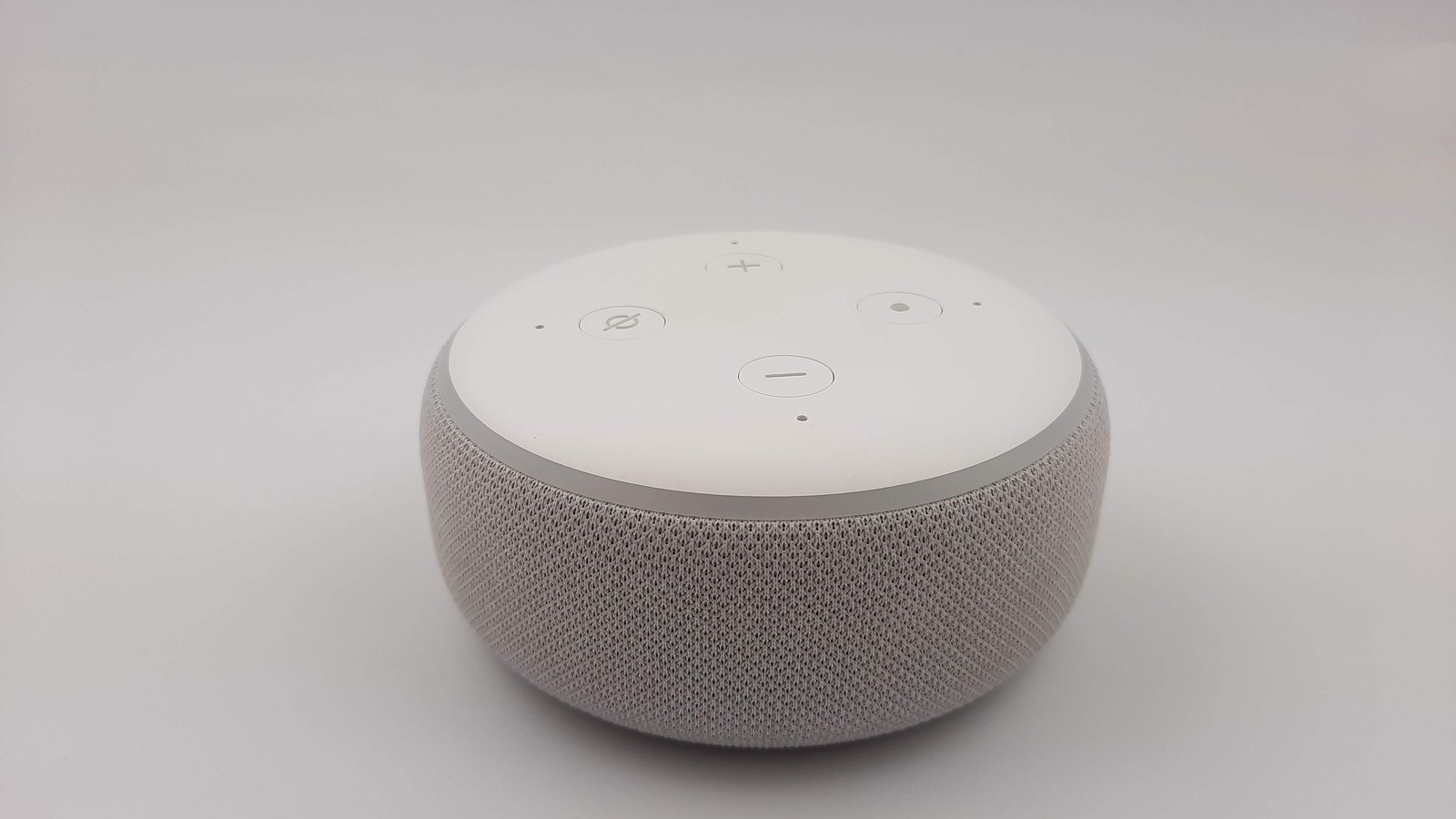
You very likely already own one, or will buy one without noticing: border routers are built into a range of smart speakers, smart displays, streaming boxes and some routers. The important caveat is that line-ups change with each hardware generation, and cheaper models often omit Thread, so check the specification page for the exact model rather than assuming the brand covers it. If you buy Thread sensors with no border router in the house, they will pair but will not be controllable remotely.
One border router is enough to start. Adding more, from any brand, generally strengthens the mesh because Thread networks are designed to interoperate.
Get Your Free UK Home Energy Audit Checklist
Cut your energy bills with our UK home energy audit checklist, plus our best gadget deals — free.
What Matter Fixes
Four things improve in a measurable way for buyers:
1. Cross-platform support. A certified device works with Apple Home, Google Home, Alexa and SmartThings rather than one of them. If your household is mixed, or you change phone, the devices come with you.
2. Multi-admin. The same device can be shared into more than one platform at the same time, so one person can use Apple Home while another uses Google, without a second set of hardware.
3. Local control. Commands travel over your home network rather than a manufacturer's cloud, which generally means faster response and routines that keep running when broadband drops. Remote access still needs internet.
4. Simpler setup. Pairing is by QR code or numeric code with a consistent flow, and a device commissioned once can be shared to another platform without a full factory reset.
What Matter Still Does Not Fix
Being honest about the gaps matters more than the marketing:
• Feature parity is not guaranteed. Matter defines a common set of capabilities per device type. Brand-specific extras — advanced colour scenes, custom sensitivity settings, firmware updates — often still require the manufacturer's own app.
• Certification is per product, not per brand. A company can sell Matter and non-Matter products side by side, and older stock frequently is not upgraded.
• New device categories arrive slowly. Cameras only entered the specification with version 1.5, and real products follow the spec by many months.
• Subscriptions are unaffected. If a camera brand charges for cloud recording, Matter support does not remove that charge. Ongoing costs remain a separate question you should check before buying.
• It does not fix a weak network. Wi-Fi congestion, thick walls and an overloaded router cause the same problems they always did.
Which Devices Are Covered
Coverage is best in the mainstream categories: lighting, plugs and sockets, switches, thermostats and heating controls, sensors (contact, motion, temperature, humidity), locks, blinds and shades, fans and air-treatment appliances, and — more recently — cameras and video doorbells. Robot vacuums, larger white goods and energy-management devices are represented but patchier in what they expose.
Where a category is thin, a bridge is often the practical answer: a hub that already controls your existing kit can present it to Matter controllers, which is usually cheaper than replacing working devices.
Do You Need Matter to Start?
For most households, the honest answer is that it is a tie-breaker rather than a requirement.
Choose Matter if you already own devices across two ecosystems, you share the home with someone on a different phone platform, you expect to expand steadily over the next few years, or you want local control and less dependence on a manufacturer's cloud.
Do not hold out for Matter if you are buying one or two devices for an ecosystem you are happy with, the non-Matter product you want is materially better supported today, or the feature you actually care about only exists in the brand's own app anyway.
The category where waiting rarely pays is a system you have already committed to. Adding one more Hue bulb, or one more thermostat from your existing heating brand, is usually the calmer choice than fragmenting your setup for a logo.
How to Check a Product Before You Buy
Run these checks on the manufacturer's own product page, not a retailer listing, because retailer copy is frequently out of date:
1. Does the page state Matter certified, and for which device type?
2. Does it connect over Wi-Fi or Thread? If Thread, do you have a border router?
3. Does the brand list the platforms it has been validated with?
4. Is Matter support built in, or does it require a bridge or hub firmware update you would also need to buy?
5. Which features are app-only, and can you live without them in your chosen platform?
6. Are there ongoing costs — cloud recording, premium automations — that Matter does not remove?
What to Do Next
Decide first whether you are a single-ecosystem household or a mixed one, because that single answer settles most Matter questions for you. If mixed, prioritise certified devices and make sure at least one of your existing speakers or hubs is a Thread border router. If single-ecosystem and content, buy on the merits of the device and treat Matter support as a bonus that protects you later. When you are ready to buy specific products, our Best Smart Speakers UK and Best Smart Light Bulbs UK guides cover the categories where Matter support is most mature.
Frequently Asked Questions
Keep reading
Smart Lighting Compatibility UK [2026]
Fittings, hubs, dimming and voice platforms — make sure it works first.
Read the guideHow to Choose Your First Smart-Home Device
Start here: the questions to answer before you spend anything.
Read the guideBest Smart Speakers UK [2026]
The voice hub that ties lighting, heating and plugs together.
Read the guide