Smart Lighting Compatibility: Bulbs, Switches, Hubs and Voice Control
How this guide was made: this is a research-based roundup, not a hands-on lab review. Picks are based on manufacturer specifications, verified UK owner reviews, independent published test results, price history and what UK buyers are actually choosing. More on the method.
How do I check smart lighting compatibility before buying?
Check four things: your bulb fitting (B22, E27 or GU10), whether the system needs a hub, whether your switch box has a neutral wire for smart switches, and which voice assistant you use. Dimmer switches and smart bulbs rarely mix, so replace or bypass them.
Smart lighting is where most smart-home projects begin — and where most avoidable mistakes happen. The product pages talk about colours and voice control; they are quieter about whether the bulb fits your socket, whether the switch works with your wiring, and whether the whole lot still responds when someone flips the wall switch out of habit.
This guide explains the compatibility questions to answer before you spend anything: fittings, hubs and protocols, UK wiring realities, dimming, and voice platforms. It does not rank products — for specific picks, see our Best Smart Light Bulbs UK roundup — it tells you how to make sure whatever you buy will actually work in your home. If you have not chosen a first device yet, start with How to Choose Your First Smart-Home Device.
The Three Ways to Make a Light Smart
Every smart-lighting setup is one of three approaches, and they are not interchangeable:
1. Smart bulbs — the intelligence is in the bulb. You keep your existing switches and fittings; the bulb handles dimming, colour and scheduling. Cheapest to start, easiest to reverse, but depends on the wall switch staying on.
2. Smart switches and dimmers — the intelligence is in the wall. Any bulb becomes 'smart', household habits do not need to change, but installation means opening the back box and dealing with mains wiring.
3. Smart plugs and in-line modules — for lamps. A lamp plugged into a smart plug gains scheduling and remote control without touching bulbs or wiring, though you lose dimming and colour unless the bulb is smart too.
Many settled homes end up mixing all three: smart bulbs in living spaces, a smart dimmer on the hall circuit, smart plugs on lamps. Planning for a mix from the start avoids buying a hub you later abandon.
Bulb Fittings: B22, E27, E14 and GU10
The first physical check is the fitting. Most UK ceiling pendants use the B22 bayonet base; E27 (large screw) and E14 (small screw) appear in table lamps and decorative fittings; GU10 twist-lock is the standard for recessed spotlights and many kitchen downlights. Smart bulbs are made in all of these, but the range — and the price — is best in B22 and E27.
Two details catch buyers out. First, physical size: some smart bulbs are taller or wider than the halogens they replace and will not fit inside enclosed shades or flush fittings, so check the dimensions on the manufacturer's spec sheet. Second, outdoor and bathroom fittings have ingress-protection requirements — a bulb rated for indoor use does not belong in a bathroom zone or an unshielded outdoor fitting; check the IP rating marked on the fitting and in the manufacturer's documentation.
Hubs and Protocols: Wi-Fi, Zigbee, Thread and Matter
Smart bulbs speak one of a few wireless languages, and the choice decides what else you need to buy:
• Wi-Fi bulbs connect straight to your router. No hub, low entry cost, and ideal for one or two rooms. The trade-off: every bulb is another device on your Wi-Fi, and owners of larger setups commonly report congestion and dropouts once device counts grow.
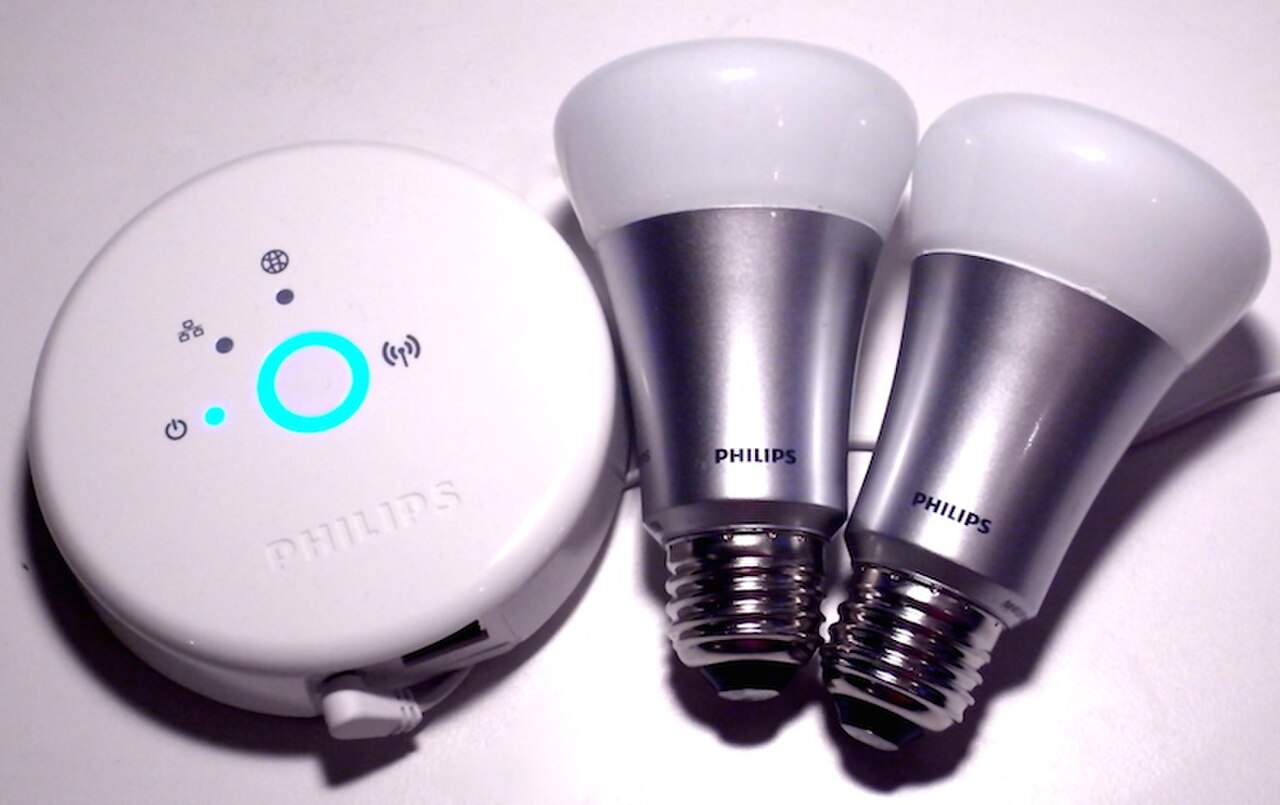
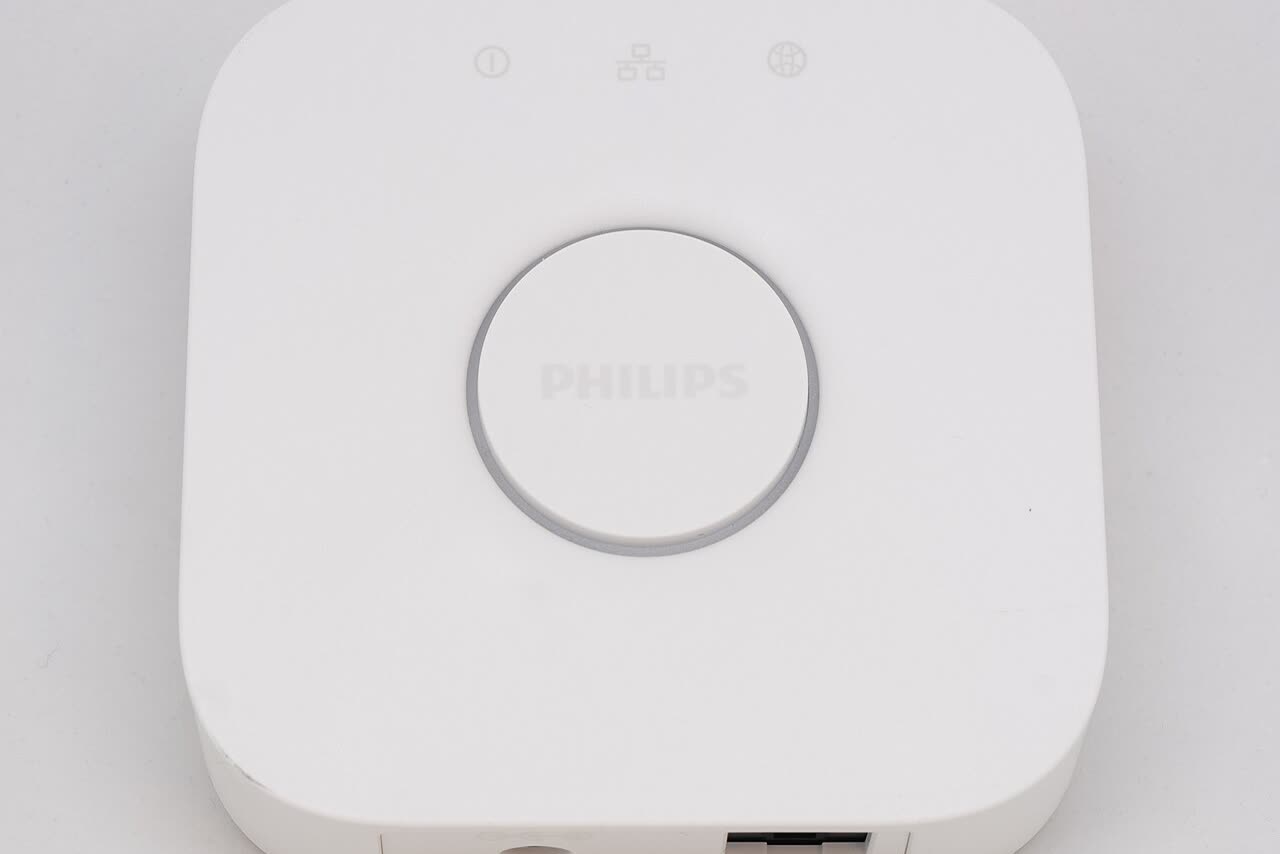
• Zigbee systems (Philips Hue is the best-known UK example) route bulbs through a mains-powered bridge. The bulbs form their own mesh network, keeping traffic off your Wi-Fi — owners generally report this as the more reliable arrangement once a home has many lights — but the bridge adds up-front cost.
• Thread is a newer low-power mesh protocol used by many Matter devices. Thread devices need a Thread border router to reach your network; certain smart speakers, displays and routers have one built in, but line-ups change, so check the manufacturer's current specification before assuming yours qualifies.
• Matter is not a radio but a shared standard that lets devices from different brands appear in the same app. It reduces lock-in rather than replacing the protocols above. Some systems gain Matter through a hub update: Philips Hue states that its updated Bridge makes connected Hue lights and accessories Matter-compatible, which lets an existing Hue setup work with Apple Home, Google Home and Alexa without replacing bulbs.
The practical rule: if you expect more than a handful of smart lights, a hub-based or Thread/Matter system is usually the calmer long-term choice; for a single room, Wi-Fi bulbs are the simpler start.
Get Your Free UK Home Energy Audit Checklist
Cut your energy bills with our UK home energy audit checklist, plus our best gadget deals — free.
The Wall-Switch Problem
A smart bulb is only smart while it has power. The moment someone turns the wall switch off, the bulb drops offline: schedules stop, voice commands fail, and automations skip it. This is the single most common complaint owners report about bulb-based systems.
Workarounds exist — switch covers that hold the physical switch on, wireless remotes mounted beside the switch, or household discipline — but if you know the switch will be flipped, a smart switch or dimmer at the wall is the more honest answer. Decide this per room, not per house: bedrooms and hallways, where switches are used on autopilot, are the classic candidates for smart switches; living rooms and studies suit bulbs.
Smart Switches and the UK Neutral-Wire Question
Replacing a wall switch means working with fixed wiring, and UK homes add a complication: many switch back boxes contain only a live and a switched-live wire, with no neutral. Many smart switches need a neutral to power their own electronics, so they simply will not work on these circuits.
The industry answer is the 'no-neutral' smart switch or dimmer, which powers itself by leaking a tiny current through the bulb. That works, but brings two conditions. First, the bulb load must be compatible: no-neutral dimmers can flicker or glow faintly with some low-wattage LED bulbs, so check the switch maker's published bulb compatibility list before pairing them. Second, installation: like-for-like switch replacement in England is generally non-notifiable under Approved Document P, but new circuits and work in special locations such as bathrooms are notifiable, and any work you are not confident with should go to a qualified electrician. Turn the circuit off and prove it dead before touching anything.
Voice Control: Alexa, Google and Apple Home
All three major voice platforms control mainstream smart lighting, but not every bulb speaks to every platform. Before buying, check the 'works with' badges on the manufacturer's own product page rather than a retailer's listing — compatibility lists change as platforms update.
If you already own a smart speaker, buy lighting that supports the same platform; mixing Alexa-only bulbs into an Apple Home household means keeping two apps alive. This is where Matter earns its keep: a Matter-certified bulb can join any of the three platforms, which protects you if you switch ecosystems later. For speaker choices, see our Best Smart Speakers UK guide.
Dimming and Flicker
Dimming is where compatibility is least forgiving. A dimmable smart bulb dims itself internally and should be run on a plain on/off switch, not an old leading-edge dimmer — pairing a smart bulb with a legacy dimmer is a well-known cause of flicker and shortened bulb life. Conversely, a smart dimmer on the wall needs ordinary dimmable LED bulbs that appear on its compatibility list.
If you see flicker after installation, the cause is usually one of three: a non-dimmable bulb on a dimmer, a bulb below the dimmer's minimum load, or a bulb and dimmer the manufacturer has not tested together. The fix is normally a bulb swap to a listed model rather than rewiring — check the dimmer maker's compatibility tool first.
Renters vs Homeowners
Renters should stay on the reversible side of the line: smart bulbs, smart plugs for lamps, and wireless remotes all leave the property exactly as found. Replacing wall switches, fitting smart dimmers or altering any fixed wiring needs the landlord's written permission and usually a qualified electrician. Homeowners have the full menu, but the same logic applies — start with the reversible options, learn which platform you like, and only then commit wiring changes to it.
A Compatibility Checklist Before You Buy
Run through this list for each room before ordering:
1. Fitting — B22, E27, E14 or GU10? Check the bulb, not the room label.
2. Switch habit — will the wall switch stay on? If not, plan a smart switch instead of bulbs.
3. Wiring — if fitting a smart switch, does the back box have a neutral? If unsure, choose a no-neutral model and budget for an electrician.
4. Network — one or two rooms: Wi-Fi bulbs are fine. Whole house: consider a Zigbee bridge or Thread/Matter devices.
5. Voice platform — match the bulbs to the speakers you already own, or buy Matter-certified to stay flexible.
6. Dimming — smart bulb on a plain switch, or listed dimmable bulbs on a smart dimmer. Never smart bulb plus legacy dimmer.
7. Location — check IP ratings for bathrooms and outdoor fittings.
What to Do Next
Pick one room and answer the seven checklist questions for it. That answer tells you whether you are buying bulbs, a switch, or a plug — and which protocol and platform they should speak. Once the first room works the way your household actually uses it, expanding is repetition rather than research. When you are ready to compare specific models, our Best Smart Light Bulbs UK guide and the bulb savings calculator will help you weigh the running costs. For the older but still relevant angle on automated lighting controls, see Smart Lighting Controls.
Frequently Asked Questions
Keep reading
Best Smart Light Bulbs UK: 4 Top Picks [2026]
Running costs in pence per year, brightness compared and the UK picks worth buying.
Read the guideMatter Smart Home Explained
What the standard fixes, what it does not, and what to check before buying.
Read the guideSmart Lighting Controls Guide
Schedules, sensors and switches that cut the lighting bill further.
Read the guide