
How to Stop Phantom Power Drain & Save Money
How this guide was made: this is a research-based roundup, not a hands-on lab review. Picks are based on manufacturer specifications, verified UK owner reviews, independent published test results, price history and what UK buyers are actually choosing. More on the method.
What is phantom power drain?
Phantom power is electricity used by devices that are switched off but still plugged in, such as TVs, consoles, chargers and set-top boxes. Find the worst offenders with a plug-in energy meter, then switch them off at the wall or with a smart plug. Leave routers and fridges running.
Phantom power, also known as standby power or vampire power, is the electricity consumed by devices when they're turned off but still plugged in. It's a silent energy thief that could be adding £100 or more to your annual electricity bill without you even realizing it.
In the UK, the average home has 40+ electrical devices, many of which draw power constantly. Understanding and eliminating phantom power is one of the easiest ways to reduce your energy bills and environmental footprint.
What is Phantom Power?

Many modern devices never truly turn off. That TV on standby, the microwave displaying the time, the phone charger left in the socket – they're all consuming power 24 hours a day, 7 days a week, 365 days a year.
Phantom power occurs because devices maintain certain functions even when 'off':
• Remote sensor activation – TVs and audio equipment stay ready to receive remote signals
• Instant-on features – Devices that power up quickly often stay partially active
• Clock displays – Microwaves, ovens, and coffee makers constantly power their displays
• Network connectivity – Smart devices maintain WiFi connections for remote access
• Charging circuits – Phone and laptop chargers draw power even when not charging
How Much Does Phantom Power Cost?
While each device may only use a few watts, the cumulative effect is significant:
| Device Category | Standby Power | Annual Cost (each) |
|---|---|---|
| Game Console | 10-25W | Check current price |
| Set-top Box/DVR | 15-45W | Check current price |
| Desktop Computer | 5-20W | Check current price |
| TV (older models) | 5-15W | Check current price |
| Microwave | 2-7W | Check current price |
| Phone Charger | 0.1-0.5W | Check current price |
A typical UK home with 30 devices on standby averages 50-100W of constant phantom power draw. Savings depend on your home, tariff and usage for this wasted energy.
The Worst Offenders in Your Home
Entertainment Centers
Game consoles are among the worst offenders, with older models using up to 25W on standby while downloading updates in the background. Even modern consoles in 'instant-on' mode use 10-15W continuously.
Set-top boxes and DVRs often use nearly as much power on standby as when actively recording. Some older Sky boxes consume 20-30W 24/7, with potential annual costs for standby power; savings depend on your home, tariff and usage.
Home Office
Desktop computers and monitors can consume 5-20W even when 'sleeping'. Printers, scanners, and networking equipment add to the total. A typical home office setup may waste energy; savings depend on your home, tariff and usage.
Kitchen Appliances
Microwaves with digital displays typically use 2-7W constantly. Coffee machines, kettles with displays, and other countertop appliances contribute to kitchen phantom power.
Get Your Free UK Home Energy Audit Checklist
Cut your energy bills with our UK home energy audit checklist, plus our best gadget deals — free.
Smart Solutions for Phantom Power
Smart Power Strips
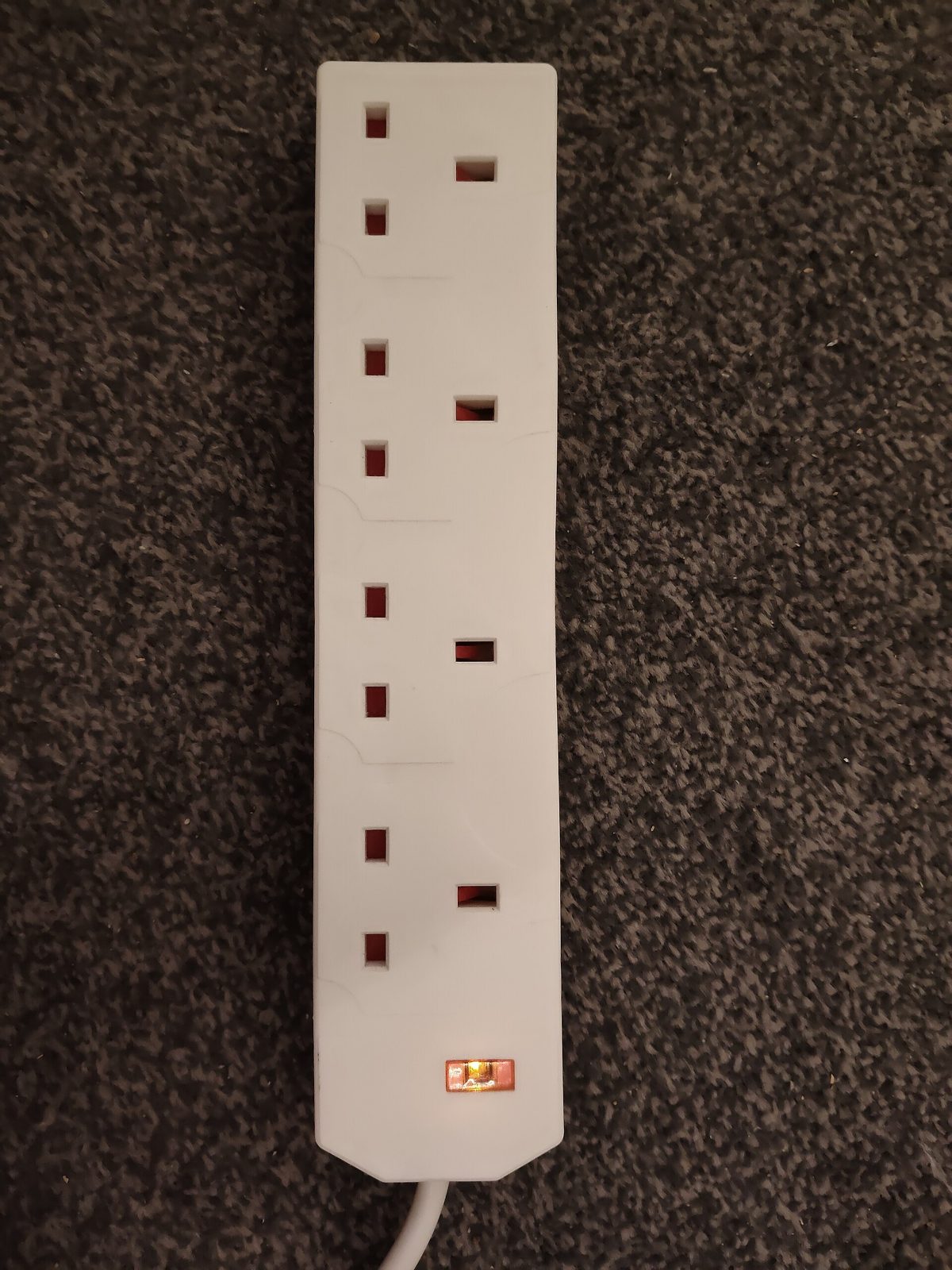
Smart power strips detect when a main device (like your TV) is turned off and automatically cut power to peripheral devices (sound bar, game console, streaming stick). This is the easiest way to eliminate phantom power from entertainment centers.
Recommended products:
• Belkin Conserve Smart AV – Detects TV power state, controls 8 outlets
• APC Smart Surge Protector – Timer-controlled with individual outlet switching
• TP-Link Kasa Smart Strip – App and voice control with energy monitoring
Smart Plugs
Individual smart plugs let you schedule power cuts and monitor exactly how much each device is using. Some, like the TP-Link Kasa, show real-time energy consumption in their app, helping identify the biggest energy wasters.
Timer Switches
For devices that don't need to be on all night, simple timer switches can cut power during sleeping hours. Great for home office equipment, entertainment centers, and kitchen appliances.
Room-by-Room Guide
Living Room
Connect your TV, streaming devices, game consoles, and sound system to a smart power strip. One switch at bedtime removes most of that annual phantom-power cost.
Home Office
Use a smart plug with scheduling for your computer, monitor, and printer. Set to cut power from 11pm to 6am, with savings depending on your home, tariff and usage.
Kitchen
Unplug small appliances when not in use, or use a smart plug for the coffee machine. The microwave clock isn't worth keeping plugged in when possible, as costs vary depending on your tariff and usage.
Bedroom
Use a smart plug for phone/tablet charging stations that cuts power once devices are fully charged, or schedule to run only during sleeping hours.
Calculate Your Savings
To estimate your phantom power waste:
1. Count devices – Walk through your home and count everything plugged in
2. Estimate standby watts – Use the table above or measure with a power monitor
3. Calculate annual cost – Watts × 8.76 (hours in a year ÷ 1000) × electricity rate
Example: 20 devices × average 4W × 8.76 × £0.30/kWh = £210 annual waste
Want the exact figure for your own home without the maths? Use our free standby power cost calculator — set your device counts and your unit rate and it totals the yearly cost as you go.
Quick Wins to Start Today
1. Unplug phone chargers when not in use – they draw power even with no phone attached
2. Use a surge protector with an on/off switch for easy power cuts to multiple devices
3. Enable power-saving modes on all devices that offer them
4. Replace old devices – newer models are much better at minimizing standby power
5. Unplug before bed – Make it a nightly routine to switch off power strips
6. Set computer to hibernate instead of sleep for lower standby power
7. Use smart plugs with schedules for 'set and forget' phantom power elimination
Taking control of phantom power is one of the simplest, most cost-effective ways to reduce your electricity bills. Start with a single smart power strip in your living room and expand from there. Within a year, you'll have eliminated a significant source of energy waste.
Frequently Asked Questions
Keep reading
Best Smart Plugs UK [2026]
Metering plugs that expose standby drain and real running costs.
Read the guideBest Smart Light Bulbs UK: 4 Top Picks [2026]
Running costs in pence per year, brightness compared and the UK picks worth buying.
Read the guideBest Home Energy Monitors UK [2026]
See which circuits actually cost you money before you buy anything.
Read the guide